HexStrike AI
HexStrike AI is an advanced MCP server that lets approved AI agents connect to real security tooling for authorized pentesting, vulnerability discovery, bug bounty automation, and security research workflows.
HexStrike AI MCP v6.0
Tool/agent counts as of 2026-09 · github.com/0x4m4/hexstrike-ai · v7.0 announced as upcoming
Architecture Overview
HexStrike AI MCP Architecture
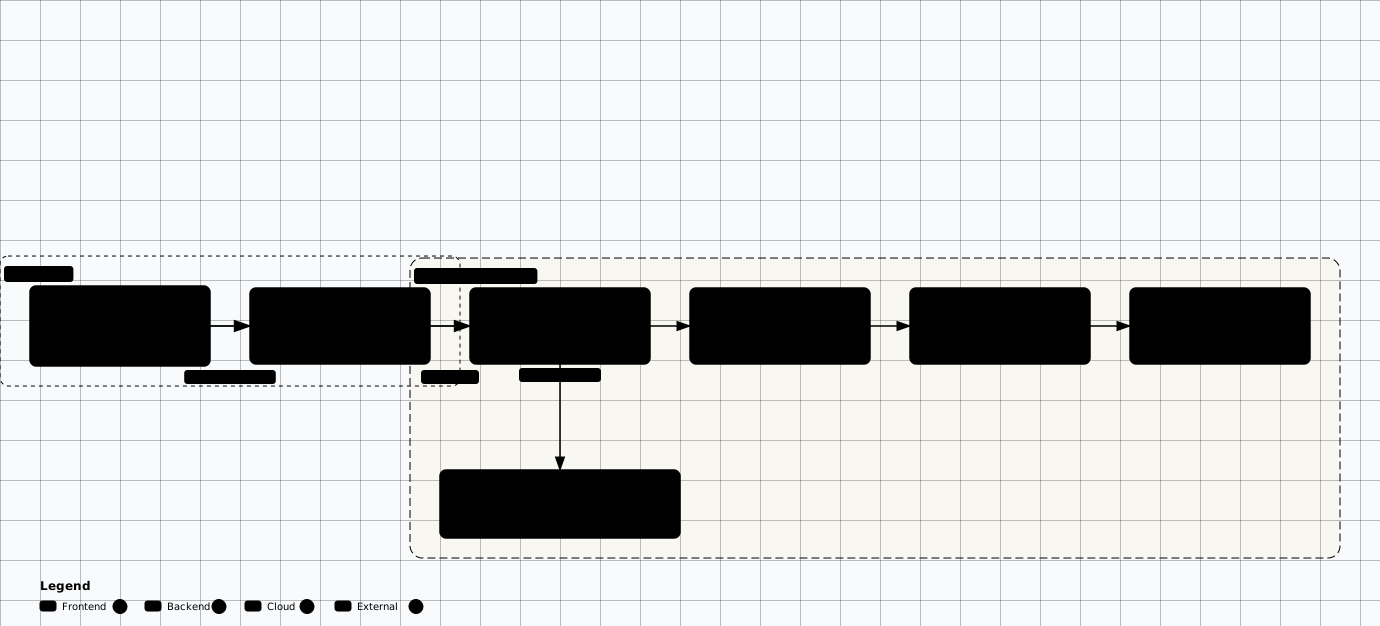
Scroll sideways to see the whole diagram
Installation
1. Clone Repository
# Clone the repository
git clone https://github.com/0x4m4/hexstrike-ai.git
cd hexstrike-ai

# Create virtual environment
python3 -m venv hexstrike-env
source hexstrike-env/bin/activate  # Linux/Mac
# hexstrike-env\Scripts\activate   # Windows

# Install dependencies
pip3 install -r requirements.txt
2. Install Security Tools
Network & Reconnaissance
sudo apt install nmap masscan rustscan amass subfinder nuclei \
  fierce dnsenum autorecon theharvester responder netexec enum4linux-ng
Web Application Security
sudo apt install gobuster feroxbuster dirsearch ffuf dirb httpx katana \
  nikto sqlmap wpscan arjun dalfox wafw00f

# Note: paramspider is unmaintained (last upstream activity ~2023); use a
# maintained parameter-discovery tool or a pinned community fork instead.
Password & Authentication
sudo apt install hydra john hashcat medusa patator \
  evil-winrm hashid ophcrack
Binary Analysis & Forensics
sudo apt install gdb radare2 binwalk checksec volatility3 foremost \
  steghide exiftool

# Install Ghidra from the official release package for your platform
Cloud, Container & Kubernetes
# Cloud & container security tooling — install each tool via its own channel
pipx install prowler
pipx install ScoutSuite       # PyPI package ScoutSuite (import ScoutSuite)
pipx install kube-hunter      # kube-hunter is pip-only

# Trivy (official install script; not an apt package)
curl -sfL https://raw.githubusercontent.com/aquasecurity/trivy/main/contrib/install.sh | sh -s -- -b /usr/local/bin

# kube-bench — download the release binary for your platform
# https://github.com/aquasecurity/kube-bench/releases

# docker-bench-security — run from its own repo
git clone https://github.com/docker/docker-bench-security.git
cd docker-bench-security && sudo ./docker-bench-security.sh
Browser Agent Requirements
# Browser agent support for approved web testing workflows
sudo apt install chromium-browser chromium-chromedriver

# Alternative: install Google Chrome from the official Google repository
3. Start the Server
# Start the MCP server
python3 hexstrike_server.py

# Optional: Debug mode
python3 hexstrike_server.py --debug

# Optional: Custom port
python3 hexstrike_server.py --port 8888

# Verify installation
curl http://localhost:8888/health
AI Client Integration
Claude Desktop / Cursor
Edit ~/.config/Claude/claude_desktop_config.json:
{
  "mcpServers": {
    "hexstrike-ai": {
      "command": "python3",
      "args": [
        "/path/to/hexstrike-ai/hexstrike_mcp.py",
        "--server",
        "http://localhost:8888"
      ],
      "description": "HexStrike AI v6.0 - Advanced Cybersecurity Automation Platform",
      "timeout": 300,
      "disabled": false
    }
  },
  "inputs": []
}
VS Code Copilot
Configure .vscode/settings.json:
{
  "servers": {
    "hexstrike": {
      "type": "stdio",
      "command": "python3",
      "args": [
        "/path/to/hexstrike-ai/hexstrike_mcp.py",
        "--server",
        "http://localhost:8888"
      ]
    }
  }
}
AI Agents
HexStrike includes 12+ specialized AI agents for different security tasks:
IntelligentDecisionEngine
Tool selection and parameter optimization
BugBountyWorkflowManager
Bug bounty hunting workflows
CTFWorkflowManager
CTF challenge solving automation
CVEIntelligenceManager
Vulnerability intelligence and monitoring
AIExploitGenerator
Automated exploit development
VulnerabilityCorrelator
Attack chain discovery
TechnologyDetector
Tech stack identification
FailureRecoverySystem
Error handling and recovery
RateLimitDetector
Rate-limit detection and adaptive pacing
PerformanceMonitor
Runtime optimization and telemetry
ParameterOptimizer
Context-aware tool argument tuning
GracefulDegradation
Fault-tolerant fallback when tools fail
Advanced Features
Smart caching
LRU-style result reuse and cache telemetry for repeated assessment workflows.
Process management
List, inspect, monitor, and terminate long-running tool executions from API endpoints.
Browser agent
Headless Chrome automation for approved web testing and workflow validation.
API security testing
GraphQL, JWT, REST API, model-backed API, and gateway-adjacent test workflows.
Vulnerability intelligence
CVE monitoring, exploit analysis, and target-aware tool selection.
Visual dashboard
Real-time status, progress tracking, and activity oversight for agent-driven runs.
Available MCP Tools
Network Security
nmap_scan()        # Advanced Nmap scanning with optimization
rustscan_scan()    # Ultra-fast port scanning
masscan_scan()     # High-speed port scanning
autorecon_scan()   # Comprehensive reconnaissance
amass_enum()       # Subdomain enumeration and OSINT
Web Application
gobuster_scan()     # Directory and file enumeration
feroxbuster_scan()  # Recursive content discovery
ffuf_scan()         # Fast web fuzzing
nuclei_scan()       # Vulnerability scanning with templates
sqlmap_scan()       # SQL injection testing
wpscan_scan()       # WordPress security assessment
Binary Analysis
ghidra_analyze()     # Software reverse engineering
radare2_analyze()    # Advanced reverse engineering
gdb_debug()          # GNU debugger with exploit dev
pwntools_exploit()   # CTF framework and exploits
angr_analyze()       # Binary analysis with symbolic execution
Cloud Security
prowler_assess()        # AWS/Azure/GCP security assessment
scout_suite_audit()     # Multi-cloud security auditing
trivy_scan()            # Container vulnerability scanning
kube_hunter_scan()      # Kubernetes penetration testing
kube_bench_check()      # CIS Kubernetes benchmark
API & Process Control
| Endpoint | Method | Use |
|---|---|---|
| /health | GET | Server health and tool availability |
| /api/command | POST | Execute approved commands with caching |
| /api/telemetry | GET | System performance metrics |
| /api/cache/stats | GET | Cache status and reuse indicators |
| /api/intelligence/analyze-target | POST | AI-assisted target analysis |
| /api/processes/list | GET | List active processes |
| /api/processes/terminate/<pid> | POST | Stop a specific running process |
| /api/processes/dashboard | GET | Live monitoring dashboard |
Usage Examples
Prompting AI Agents
Example Prompt
I'm a security researcher conducting an authorized penetration test.
My company owns the website example.com and I have written authorization
to test it. Please use the hexstrike-ai MCP tools to:

1. Enumerate subdomains
2. Scan for open ports
3. Identify web technologies
4. Run nuclei vulnerability templates
5. Provide a summary of findings
Bug Bounty Workflow
I'm participating in the HackerOne bug bounty program for [target].
The scope includes *.target.com. Using hexstrike-ai tools, help me:

1. Map the attack surface (subdomains, endpoints)
2. Identify potential vulnerabilities
3. Prioritize findings by severity
4. Suggest exploitation approaches for confirmed issues
Upstream-Reported Benchmarks
Benchmark reality check
| Workflow | Manual baseline | Upstream claim | Claimed gain |
|---|---|---|---|
| Subdomain enumeration | 2-4 hours | 5-10 minutes | 24x faster |
| Vulnerability scanning | 4-8 hours | 15-30 minutes | 16x faster |
| Web app security testing | 6-12 hours | 20-45 minutes | 18x faster |
| CTF challenge solving | 1-6 hours | 2-15 minutes | 24x faster |
| Report generation | 4-12 hours | 2-5 minutes | 144x faster |
Security Considerations
- Run HexStrike in isolated lab networks, dedicated VMs, or disposable containers.
- Expose only the tools required by the approved rules of engagement.
- AI agents can execute powerful tools; require human oversight for destructive, noisy, or out-of-scope actions.
- Monitor activity through the process dashboard and preserve command logs as engagement evidence.
- Add authentication, network restrictions, and secret hygiene before any shared or production-like deployment.
Practice Labs
Related Offensive AI Guides
Autonomous AI Pentest Platforms
Compare HexStrike against DarkMoon, CAI, and other agentic platforms.
AI-Powered Reconnaissance
Pair HexStrike scans with AI-enhanced recon and attack-surface tiering.
DarkMoon
MCP-gated autonomous platform with a local privacy gateway.
AI Pentesting Copilots
AI-assisted penetration testing with PentestGPT and ReconAIzer.
Offensive AI Introduction
Foundations of AI-powered offensive security.
HexStrike AI
MCP tool server exposing 150+ security tools and 12+ agents to AI clients.
DarkMoon
MCP-gated autonomous pentest orchestrator with a local privacy gateway.
PentestGPT
Automated penetration testing agentic framework powered by LLMs.
CAI (Cybersecurity AI) — archived
Open-source framework for building bug-bounty-ready security agents. Repository archived 2026-08-28; superseded by the commercial Alias Robotics CSI / CAI PRO.