Reference Architectures
Production-ready reference architectures with security controls annotated at every layer. Use these as starting points for your own designs — adapt them to your specific threat model.
How to Use These Architectures
Consolidated Worked Examples
Architecture Selection Matrix
Choose your starting architecture based on team maturity, regulatory requirements, and deployment model. Most organizations evolve through these patterns as they grow.
| Factor | Three-Tier | Hub-Spoke | Zero Trust | Service Mesh | Secure CI/CD | Hybrid |
|---|---|---|---|---|---|---|
| Team Size | 2–10 | 10+ | Any | 10+ | Any | 20+ |
| Cloud Maturity | Beginner | Intermediate | Intermediate | Advanced | Any | Advanced |
| Regulatory Need | Low | Medium | Medium–High | Low–Med | Any | High |
| Complexity | Low | Medium | Medium | High | Low–Med | High |
| Start Here If… | First cloud app | Multi-team org | Remote-first / BYO device | Microservices already built | Any new pipeline | On-prem + cloud migration |
1. Secure Three-Tier Web Application
The classic architecture for web applications — presentation, application logic, and data layers with security controls at each tier and trust boundary.
Introduced in: Section 4 — Defense in Depth
Secure Three-Tier Architecture
Scroll sideways to see the whole diagram
Key Security Controls
Network Controls
- • Security Groups: least-privilege port access
- • NSG rules: subnet-level deny rules
- • No direct internet access to app/data tier
- • NSG Flow Logs enabled
Application Controls
- • JWT validation at API gateway
- • RBAC/ABAC at service level
- • Input validation + output encoding
- • Rate limiting per authenticated user
Terraform — VNet with Network Security Groups
# Three-tier VNet: one subnet per tier, each bound to its own NSG
resource "azurerm_subnet" "public" {        # Application Gateway only
  name                 = "public-subnet"
  address_prefixes     = ["10.0.1.0/24"]
  virtual_network_name = azurerm_virtual_network.main.name
  resource_group_name  = azurerm_resource_group.main.name
}
resource "azurerm_subnet" "app" {
  name                 = "app-subnet"
  address_prefixes     = ["10.0.10.0/24"]
  virtual_network_name = azurerm_virtual_network.main.name
  resource_group_name  = azurerm_resource_group.main.name
}
resource "azurerm_subnet" "data" {          # no outbound internet
  name                 = "data-subnet"
  address_prefixes     = ["10.0.20.0/24"]
  virtual_network_name = azurerm_virtual_network.main.name
  resource_group_name  = azurerm_resource_group.main.name
}

# NSG rule bodies omitted; the decisions are:
#   appgw-nsg : allow 443/tcp  inbound from *             (internet → App Gateway)
#   app-nsg   : allow 8080/tcp inbound from 10.0.1.0/24   (App Gateway subnet only)
#   db-nsg    : allow 1433/tcp inbound from 10.0.10.0/24  (app subnet only)
#   db-nsg    : deny  */*      outbound                   (no internet egress)

# Rules only take effect once each subnet is associated with its NSG
resource "azurerm_subnet_network_security_group_association" "public" {
  subnet_id                 = azurerm_subnet.public.id
  network_security_group_id = azurerm_network_security_group.appgw.id
}
resource "azurerm_subnet_network_security_group_association" "app" {
  subnet_id                 = azurerm_subnet.app.id
  network_security_group_id = azurerm_network_security_group.app.id
}
resource "azurerm_subnet_network_security_group_association" "data" {
  subnet_id                 = azurerm_subnet.data.id
  network_security_group_id = azurerm_network_security_group.db.id
}
Common Misconfigurations
Database subnet has route to internet gateway
Data tier should have NO internet access. Use Private Endpoints for Azure services.
Security groups use 0.0.0.0/0 for app tier ingress
App tier should only accept traffic from the load balancer security group.
Database VM directly reachable from the internet
Give the data tier no public IP. Allow 1433 only from the app subnet and reach the VM for administration through Azure Bastion.
Monitoring & Observability
# (NSG Flow Logs and the Defender for Cloud plans are elsewhere in monitoring.tf.)

# Alert on real 5xx responses (Application Gateway ResponseStatus, filtered to
# HttpStatusGroup=5xx) — UnhealthyHostCount measures backend health, not errors.
resource "azurerm_monitor_metric_alert" "high_5xx" {
  name                = "high-5xx-rate"
  resource_group_name = azurerm_resource_group.main.name
  scopes              = [azurerm_application_gateway.main.id]
  severity            = 1
  window_size         = "PT15M"
  criteria {
    metric_namespace = "Microsoft.Network/applicationGateways"
    metric_name      = "ResponseStatus"
    aggregation      = "Total"
    operator         = "GreaterThan"
    threshold        = 50
    dimension {
      name     = "HttpStatusGroup"
      operator = "Include"
      values   = ["5xx"]
    }
  }
  action {
    action_group_id = azurerm_monitor_action_group.security_alerts.id
  }
}
# Failed administrative (control-plane) operations. Activity Log does NOT
# contain sign-ins — monitor sign-in risk with Entra ID diagnostic logs.
resource "azurerm_monitor_activity_log_alert" "admin_operation_failure" {
  name                = "admin-operation-failures"
  resource_group_name = azurerm_resource_group.main.name
  scopes              = ["/subscriptions/${data.azurerm_subscription.current.subscription_id}"]
  criteria {
    category = "Administrative"
    level    = "Error"
  }
  action {
    action_group_id = azurerm_monitor_action_group.security_alerts.id
  }
}
2. Secure Cloud Landing Zone (Hub-Spoke)
A multi-account / multi-subscription architecture for enterprise cloud deployments. Central shared services hub with isolated spoke environments for each workload.
Baselines: platform and workload configuration follows the CIS Benchmarks.
Hub-Spoke Cloud Landing Zone
Scroll sideways to see the whole diagram
Landing Zone Security Controls
Subscription-Level Controls
- • Azure Policy preventing disabling Defender/Activity Log
- • Mandatory encryption on Blob Storage/Managed Disks/Azure SQL
- • Deny public Blob containers at subscription level
- • Require MFA for all Entra ID users
Network Controls
- • All egress through centralized inspection
- • DNS filtering via Azure DNS Private Resolver
- • NSG Flow Logs to central SIEM
- • No direct internet access in spokes
Azure Policy — Deny Dangerous Actions
{
  "properties": {
    "displayName": "Deny Dangerous Actions",
    "metadata": {
      "comment": "Confirm the Microsoft.Security/securityContacts/alertNotifications.state alias against your target tenant before enforcing (az policy alias list)."
    },
    "policyType": "Custom",
    "mode": "All",
    "policyRule": {
      "if": {
        "anyOf": [
          { "allOf": [
            { "field": "type", "equals": "Microsoft.Security/securityContacts" },
            { "field": "Microsoft.Security/securityContacts/alertNotifications.state", "equals": "Off" }
          ]},
          { "allOf": [
            { "field": "type", "equals": "Microsoft.Storage/storageAccounts" },
            { "field": "Microsoft.Storage/storageAccounts/allowBlobPublicAccess", "equals": true }
          ]},
          { "allOf": [
            { "field": "type", "equals": "Microsoft.Storage/storageAccounts" },
            { "not": { "field": "Microsoft.Storage/storageAccounts/encryption.services.blob.enabled", "equals": true } }
          ]}
        ]
      },
      "then": { "effect": "Deny" }
    }
  }
}
3. Zero Trust Reference Architecture
Based on NIST SP 800-207. Every access request is authenticated, authorized, and encrypted — regardless of network location.
Introduced in: Section 6 — Zero Trust Architecture
NIST 800-207 Zero Trust Architecture
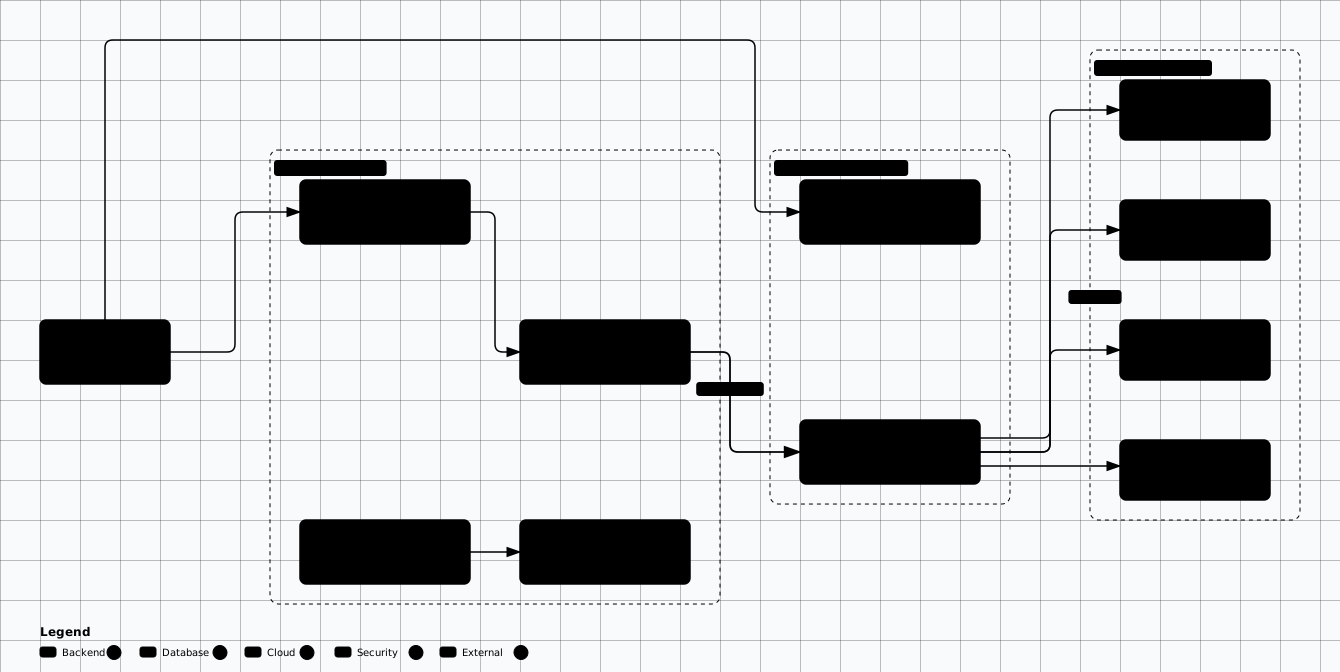
Scroll sideways to see the whole diagram
Cloudflare Access — Zero Trust App Protection
# Cloudflare Zero Trust Access application (ZTNA, replaces VPN)
resource "cloudflare_zero_trust_access_application" "internal_app" {
  account_id                = var.account_id
  name                      = "Internal Dashboard"
  domain                    = "dashboard.internal.example.com"
  type                      = "self_hosted"
  session_duration          = "1h"
  auto_redirect_to_identity = true
  policies = [
    { id = cloudflare_zero_trust_access_policy.corp_policy.id, precedence = 1 }
  ]
}

# Require corporate SSO identity plus device posture
resource "cloudflare_zero_trust_access_policy" "corp_policy" {
  account_id = var.account_id
  name       = "Corporate Access"
  decision   = "allow"
  include = [
    { login_method = ["oidc"] }  # SSO via Okta/Entra
  ]
  require = [
    { device_posture = { id = cloudflare_zero_trust_device_posture_rule.disk_encryption.id } }
  ]
}

# Device posture rules moved under the zero_trust namespace in provider v5.
# Add os_version / firewall rules the same way.
resource "cloudflare_zero_trust_device_posture_rule" "disk_encryption" {
  account_id = var.account_id
  name       = "Require disk encryption"
  type       = "disk_encryption"
  match { platform = "windows" }
  input { require_all = true }
}
4. Microservices with Service Mesh
Kubernetes-native architecture with Istio service mesh providing automatic mTLS, authorization policies, and observability for all service-to-service communication.
Introduced in: Section 7 — Cloud-Native Security. Hardening references: NIST SP 800-190 and the CIS Kubernetes Benchmark.
Microservices with Service Mesh (Istio)
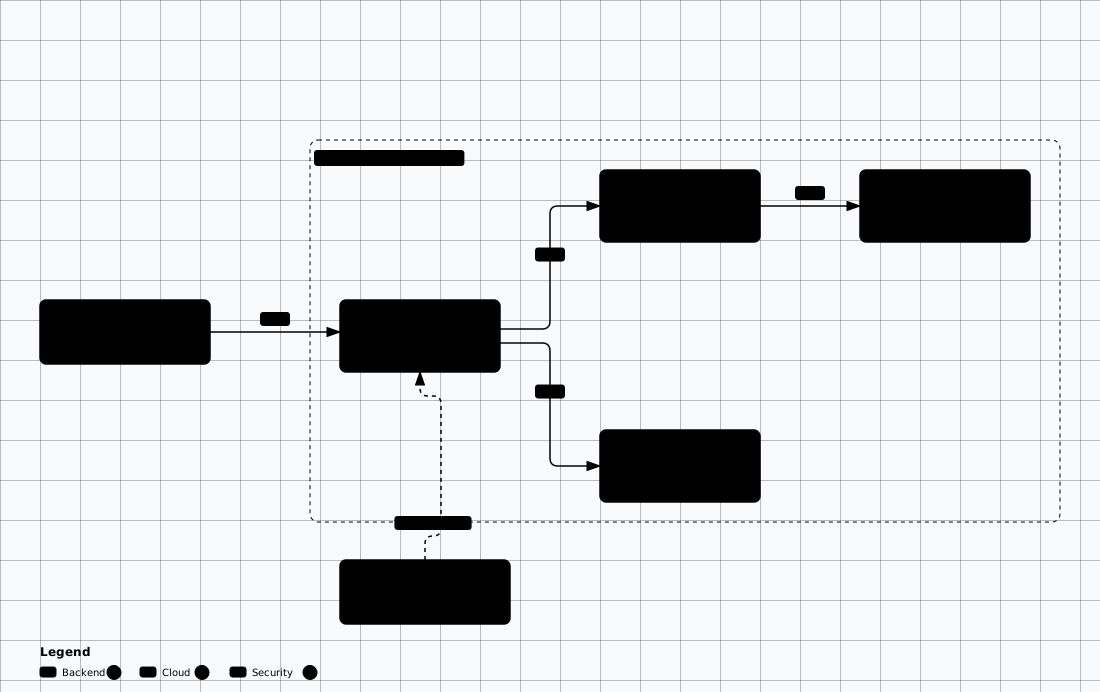
Scroll sideways to see the whole diagram
Istio Authorization Policy
# Enforce mTLS for all traffic in the mesh
apiVersion: security.istio.io/v1
kind: PeerAuthentication
metadata:
  name: default
  namespace: istio-system
spec:
  mtls:
    mode: STRICT   # All traffic must be mTLS

---
# Only allow order-svc to call payment-svc.
# A single ALLOW policy is already default-deny for the selected workload:
# once an ALLOW policy matches a pod, any request that no ALLOW rule matches
# is rejected. No separate DENY policy is needed — a DENY policy only carves
# explicit exceptions out of an existing allowance.
apiVersion: security.istio.io/v1
kind: AuthorizationPolicy
metadata:
  name: payment-svc-policy
  namespace: production
spec:
  selector:
    matchLabels:
      app: payment-svc
  action: ALLOW
  rules:
  - from:
    - source:
        principals: ["cluster.local/ns/production/sa/order-svc"]
    to:
    - operation:
        methods: ["POST"]
        paths: ["/api/v1/charges", "/api/v1/refunds"]
Kubernetes Network Policy
# Default deny all ingress and egress
apiVersion: networking.k8s.io/v1
kind: NetworkPolicy
metadata:
  name: default-deny-all
  namespace: production
spec:
  podSelector: {}
  policyTypes:
  - Ingress
  - Egress

---
# A connection must be allowed at BOTH ends. This is the caller's egress —
# without it order-svc's default-deny egress silently drops the request.
apiVersion: networking.k8s.io/v1
kind: NetworkPolicy
metadata:
  name: allow-order-egress-payment
  namespace: production
spec:
  podSelector:
    matchLabels:
      app: order-svc
  policyTypes:
  - Egress
  egress:
  - to:
    - podSelector:
        matchLabels:
          app: payment-svc
    ports:
    - protocol: TCP
      port: 8080

---
# The receiver's ingress: allow order-svc to reach payment-svc on port 8080 only
apiVersion: networking.k8s.io/v1
kind: NetworkPolicy
metadata:
  name: allow-order-to-payment
  namespace: production
spec:
  podSelector:
    matchLabels:
      app: payment-svc
  policyTypes:
  - Ingress
  ingress:
  - from:
    - podSelector:
        matchLabels:
          app: order-svc
    ports:
    - protocol: TCP
      port: 8080

---
# DNS egress to CoreDNS in kube-system — default-deny also blocks :53, so
# without this every pod loses name resolution
apiVersion: networking.k8s.io/v1
kind: NetworkPolicy
metadata:
  name: allow-dns-egress
  namespace: production
spec:
  podSelector: {}
  policyTypes:
  - Egress
  egress:
  - to:
    - namespaceSelector:
        matchLabels:
          kubernetes.io/metadata.name: kube-system
    ports:
    - protocol: UDP
      port: 53
    - protocol: TCP
port: 535. Secure CI/CD Pipeline
Security gates at every stage of the pipeline — from commit to production. Every artifact is scanned, signed, and verified before deployment.
Introduced in: Section 9 — Secure SDLC Integration
Secure CI/CD Pipeline — Security Gates
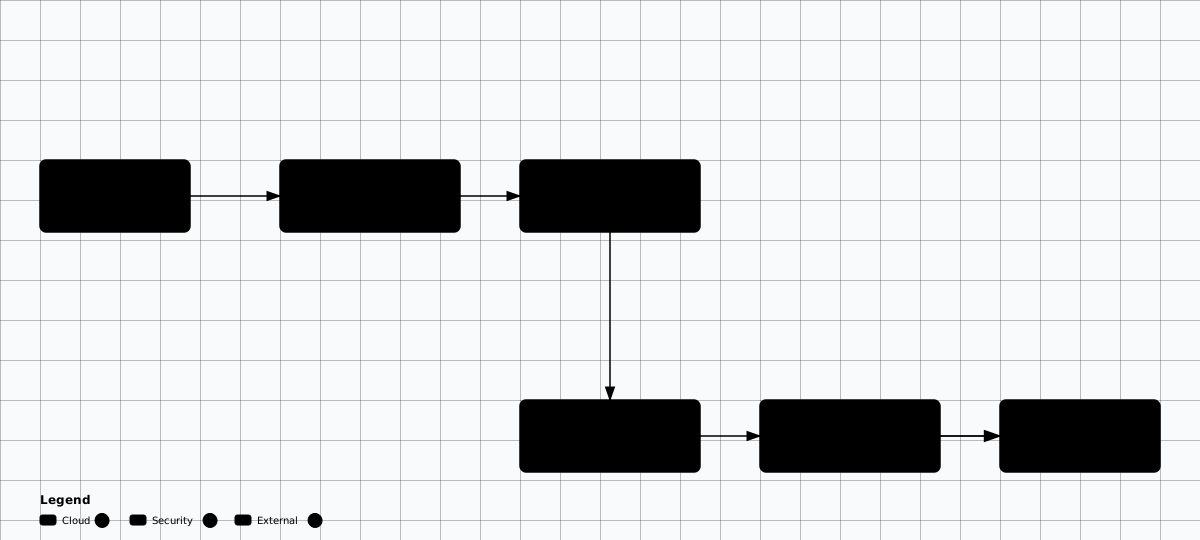
Scroll sideways to see the whole diagram
GitHub Actions — Secure Pipeline
# Gates 1-2: source. Third-party actions are pinned by commit SHA, not a tag.
name: Secure CI/CD Pipeline
on: [push, pull_request]

permissions:
  contents: read
  # Fork PRs receive neither repository secrets nor security-events: write,
  # so secret scanning / SARIF upload are best-effort on fork contributions.
  security-events: write

jobs:
  source-gates:
    runs-on: ubuntu-latest
    steps:
    - uses: actions/checkout@3d3c42e5aac5ba805825da76410c181273ba90b1  # v7.0.1
      with: { fetch-depth: 0 }        # full history for Gitleaks
    - name: Gate 1 — secrets scan
      uses: gitleaks/gitleaks-action@e0c47f4f8be36e29cdc102c57e68cb5cbf0e8d1e  # v3.0.0
      env:
        GITHUB_TOKEN: ${{ secrets.GITHUB_TOKEN }}
    - name: Gate 2 — SAST (Semgrep)
      run: |
        docker run --rm -v "$PWD:/src" -w /src semgrep/semgrep \
          semgrep scan --error --config p/security-audit --config p/owasp-top-ten
    - name: Gate 2 — SCA (Trivy)
      uses: aquasecurity/trivy-action@ed142fd0673e97e23eac54620cfb913e5ce36c25  # v0.36.0
      with:
        scan-type: fs
        scan-ref: .
        severity: CRITICAL,HIGH
exit-code: 1# Gates 3-4: build the artifact, then sign and verify its DIGEST (not a tag).
# Continuation of the gates 1-2 panel: same workflow, same top-level jobs: map.
jobs:
release:
needs: source-gates
if: github.ref == 'refs/heads/main'
runs-on: ubuntu-latest
environment: production # deploy requires approval
permissions:
contents: read
packages: write
id-token: write # keyless (OIDC) cosign signing
steps:
- uses: actions/checkout@3d3c42e5aac5ba805825da76410c181273ba90b1 # v7.0.1
- name: Gate 3 — build and push
id: image
run: |
IMAGE=ghcr.io/${{ github.repository }}:${{ github.sha }}
docker build -t "$IMAGE" . && docker push "$IMAGE"
echo "digest=$(docker inspect -f '{{index .RepoDigests 0}}' "$IMAGE")" >> "$GITHUB_OUTPUT"
- name: Gate 3 — scan image
uses: aquasecurity/trivy-action@ed142fd0673e97e23eac54620cfb913e5ce36c25 # v0.36.0
with:
image-ref: ${{ steps.image.outputs.digest }} # scan the digest, not the tag
severity: CRITICAL,HIGH
exit-code: 1
- name: Gate 3 — SBOM (SPDX)
uses: aquasecurity/trivy-action@ed142fd0673e97e23eac54620cfb913e5ce36c25 # v0.36.0
with:
image-ref: ${{ steps.image.outputs.digest }}
format: spdx-json
output: sbom.spdx.json
- uses: sigstore/cosign-installer@6f9f17788090df1f26f669e9d70d6ae9567deba6 # v4.1.2
- name: Gate 3 — sign the digest (keyless)
run: cosign sign --yes ${{ steps.image.outputs.digest }}
- name: Gate 4 — verify digest, then deploy
run: |
cosign verify \
--certificate-oidc-issuer https://token.actions.githubusercontent.com \
--certificate-identity-regexp "$GITHUB_SERVER_URL/$GITHUB_REPOSITORY" \
${{ steps.image.outputs.digest }}
kubectl set image deployment/app app=${{ steps.image.outputs.digest }}6. Hybrid / Multi-Cloud Security
Interconnecting on-premises, AWS, Azure, and GCP environments while maintaining consistent security policies and identity federation.
Hybrid / Multi-Cloud Architecture
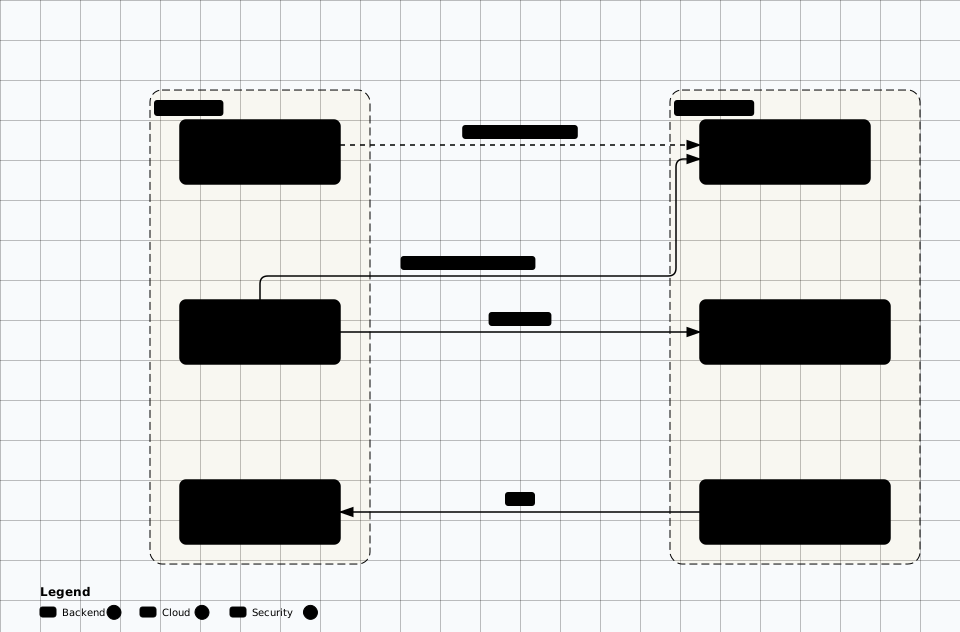
Scroll sideways to see the whole diagram
Identity Federation
- • Single IdP as source of truth (Entra ID / Okta)
- • SAML/OIDC federation to all cloud providers
- • No local cloud accounts — federated only
- • Consistent MFA policy across all environments
Network Security
- • Encrypted site-to-site VPN or ExpressRoute
- • Consistent DNS security across environments
- • Centralized egress inspection
- • Uniform firewall rules via IaC
Data Sovereignty
- • Data residency requirements per region
- • Encryption keys in jurisdiction-appropriate KMS
- • GDPR / data localization compliance
- • Cross-border transfer agreements
Unified Observability
- • Central SIEM aggregating all logs
- • Consistent alert rules across providers
- • CSPM tools covering all clouds
- • Single pane of glass for incidents
Security Architecture Decision Record (ADR) Template
Document every security architecture decision so future teams understand the context. Use this template for each significant decision.
# ADR-{number}: {Title}

## Status
Proposed | Accepted | Deprecated | Superseded by ADR-{n}

## Context
What is the problem or situation that requires a decision?
What are the security requirements and constraints?

## Decision Drivers
- Compliance requirement (e.g., SOC 2, PCI DSS)
- Threat model finding (reference TM-{n})
- Performance / scalability requirement
- Operational complexity budget

## Considered Options
1. **Option A** — Description, pros, cons
2. **Option B** — Description, pros, cons
3. **Option C** — Description, pros, cons

## Decision
We chose **Option B** because...

## Security Implications
- **Risk accepted**: What residual risk remains?
- **Controls required**: What must be implemented alongside?
- **Monitoring**: What should we watch for?

## Consequences
- Positive: What improves?
- Negative: What trade-offs are we making?
- Related decisions: Links to dependent ADRs
Use These as Starting Points
Framework Alignment
NIST SP 800-207: Zero Trust reference architecture (pattern 3)
CIS Controls v8.1: 3 (Data Protection), 6 (Access Control), 12 (Network), 16 (App Security)
Azure Well-Architected: Security Pillar best practices
Related: Security Frameworks → | Case Studies →
Reference Architecture Labs
Deploy and validate these reference architectures hands-on. Each lab builds production-grade infrastructure with real security controls.
Evidence to Capture
A reference architecture is only useful as a comparison baseline. The deliverable is the deviation row, not the diagram.
Deviation row: Per control in the reference: the expected setting, the deployed value, the resource identifier, and the artefact that proves it. A deviation without an identifier is an opinion.
Selection rationale: The requirement that chose this reference over the alternatives in the matrix, and the consequence accepted. This belongs in the decision record, not in a meeting note.
Topology evidence: The hub-spoke peering list, route tables, and the firewall policy that inspects spoke-to-spoke traffic. Whether a path exists is a routing fact, not a diagram claim.
Enforcement artefact: The Azure Policy assignment or admission policy at its actual scope, showing the effect is deny rather than audit. The scope is part of the finding.
Telemetry destination: Where control-plane and flow logs are delivered, the retention, and the alert that fires on drift from the reference.
Likely False Positives
Deviations that are deliberate adaptations or enforced at a scope you did not query.
- Different control than the reference: A residency or regulatory requirement can justify a different control with the same effect. The decision record makes it legitimate.
- Policy not visible on the resource: An assignment at management-group or subscription scope does not appear in the resource view. Query the effective policy before reporting the gap.
- Spoke-to-spoke allowed: Shared services traffic inspected by the hub firewall is a designed path. Check the firewall policy and the route table, not just the peering.
- No private endpoint: A resource in an isolated subnet with no egress route is not publicly reachable. The route table and NSG are the evidence.
- Smaller instance or fewer zones: A tier count below the reference is a resilience decision, and only a finding where the stated availability target requires it.
Review Checklist
Selection
- ☐ Confirm the chosen reference matches a row in the selection matrix and that the driving requirement is recorded.
- ☐ Check the alternatives were considered and the rejection reason is specific.
- ☐ Confirm the reference version or date, since a stale baseline produces stale findings.
- ☐ Check the declared availability and residency targets against the reference assumptions.
Deployment fidelity
- ☐ Compare each reference control against the deployed artefact, not the deployment template.
- ☐ Confirm policy assignments are deny-effect at the scope that covers the resource.
- ☐ Read route tables and peering to confirm isolation is a routing fact.
- ☐ Check every deviation carries an owner and a rationale.
Operations
- ☐ Confirm flow and control-plane logs land in one destination with a retention that meets the requirement.
- ☐ Check an alert exists for drift from the reference, such as a new public endpoint.
- ☐ Confirm the decision record is updated when the architecture changes.
- ☐ Check the reference is re-baselined when the platform introduces a replacement service.
Remediation
Reconcile the deployment with the baseline, or re-baseline deliberately
Structural
- • Encode the reference controls as policy at the highest scope that applies, so a new resource inherits the baseline instead of being compared to it after the fact.
- • Replace the accidental path with an explicit one: if two spokes must talk, route through the inspected hub and document the rule.
- • Record deviations in the decision record with the requirement that drove them, so the next review does not reopen a settled decision.
Compensating
- • Where the reference control is not yet possible, add detection on the exposure it would have closed and put a date on the deviation.
- • For accepted resilience reductions, state the availability target the design still meets.